
Deploying cPanel & WHM on Microsoft Azure
cPanel is excited to now be added to the Microsoft Azure® Marketplace. The complications involved in a manual cPanel install have been removed and the overall process greatly simplified; deploying cPanel & WHM on Microsoft Azure has never been easier!
Microsoft Azure offers cloud services to help your business or organization get on the cloud quickly with the freedom to build, manage, and deploy applications with your favorite tools such as cPanel & WHM. In this article, we will showcase cPanel & WHM’s streamlined setup on Microsoft Azure.
Checklist:
To get started with cPanel on Microsoft Azure, we need to do a simple pre-flight check:
Getting Started with Microsoft Azure and cPanel:
First, you will need to sign in to your account or set up a free account on Microsoft Azure.

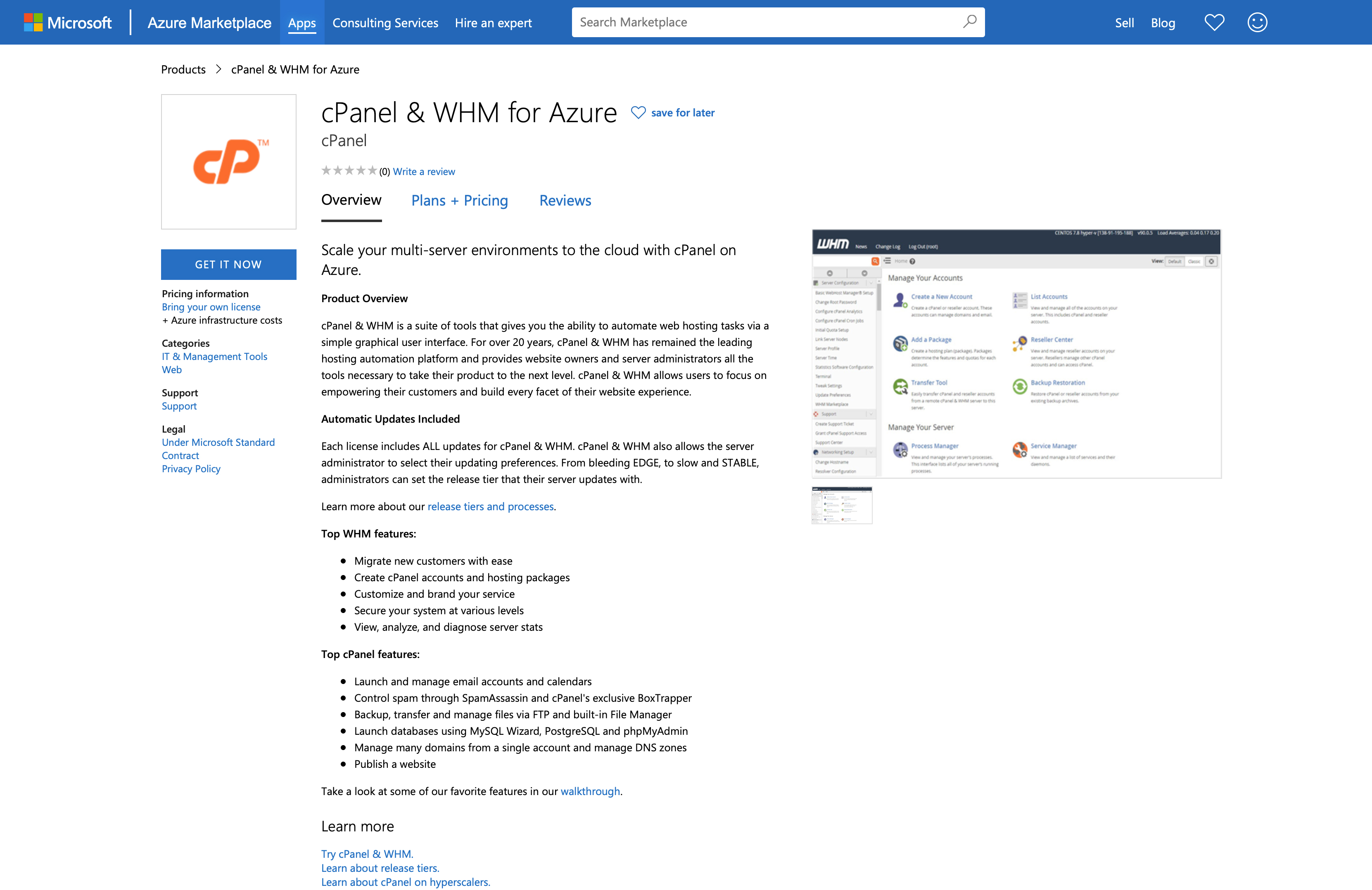
Once you have set up your account, visit the Microsoft Azure Marketplace cPanel & WHM App listing and click the GET NOW button.
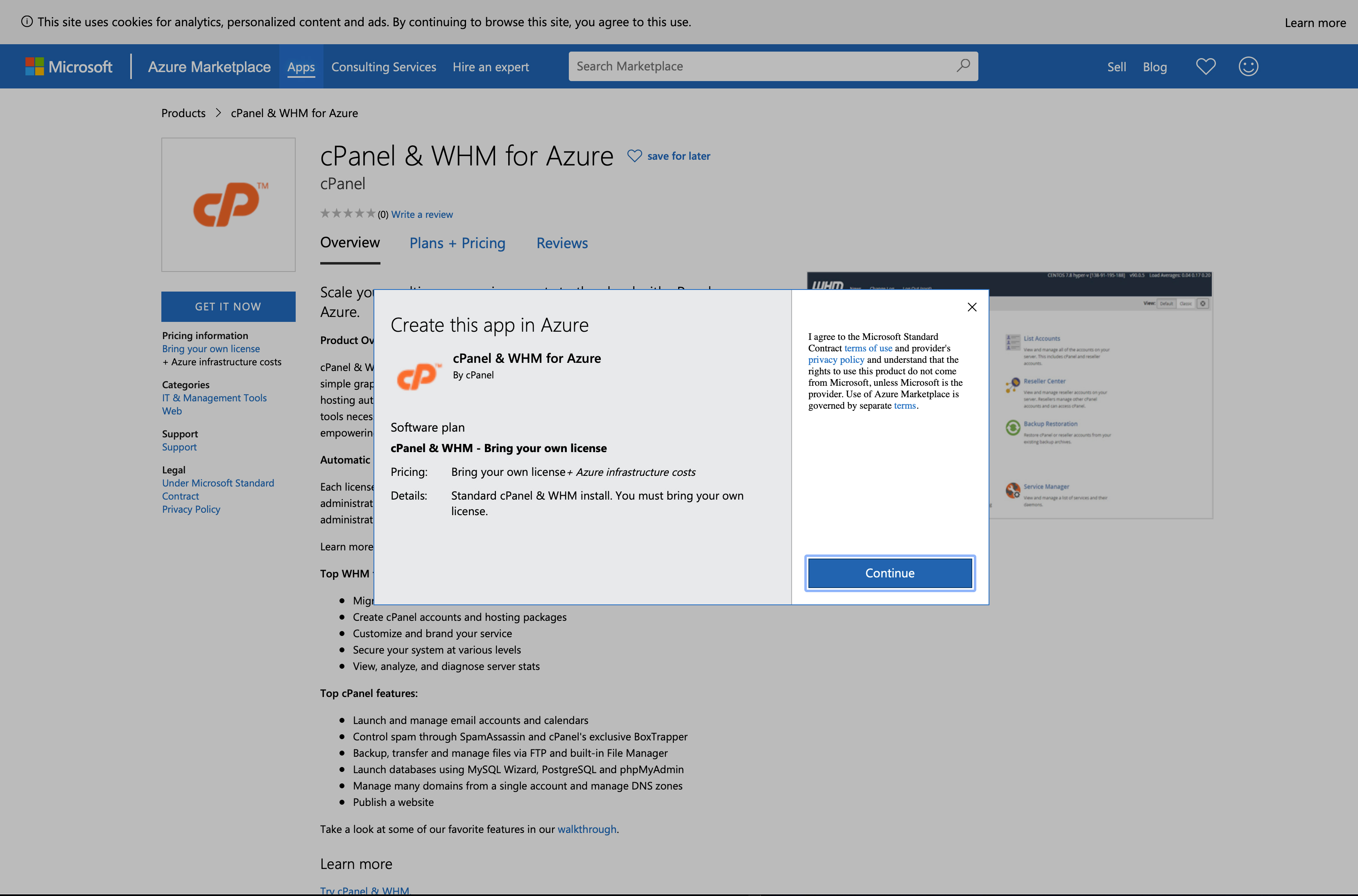
Next, select the CONTINUE button to create the cPanel & WHM Application in Azure.
Creating an Azure Virtual Machine
Once you have signed up and started creating the cPanel Application, you will need to configure the Microsoft Azure Virtual Machine. Azure has Basic, Disk (Storage), Networking, Management, Advanced, and Tag options.
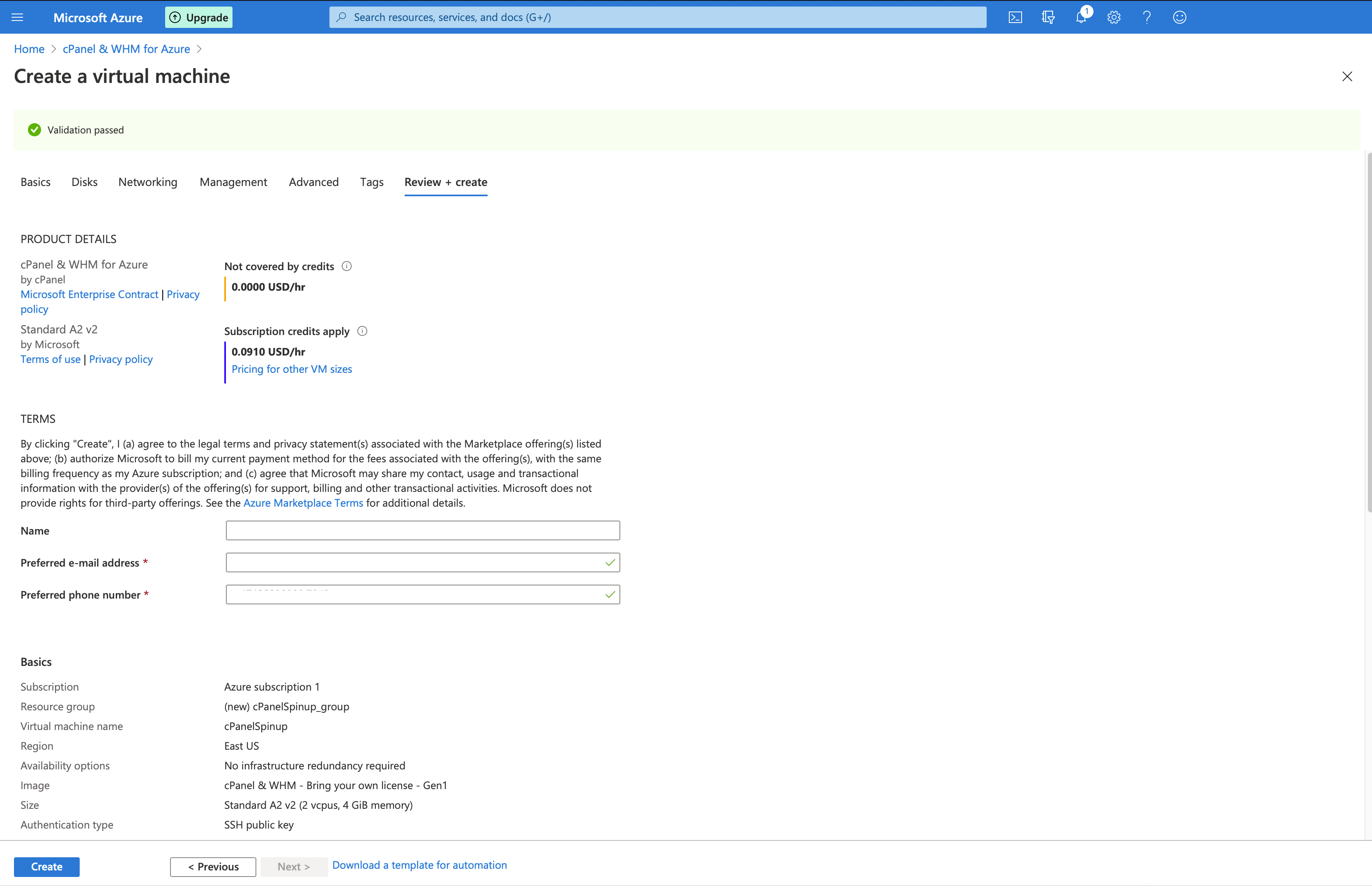
With your Virtual Machine now configured, select the Review & Create tab.
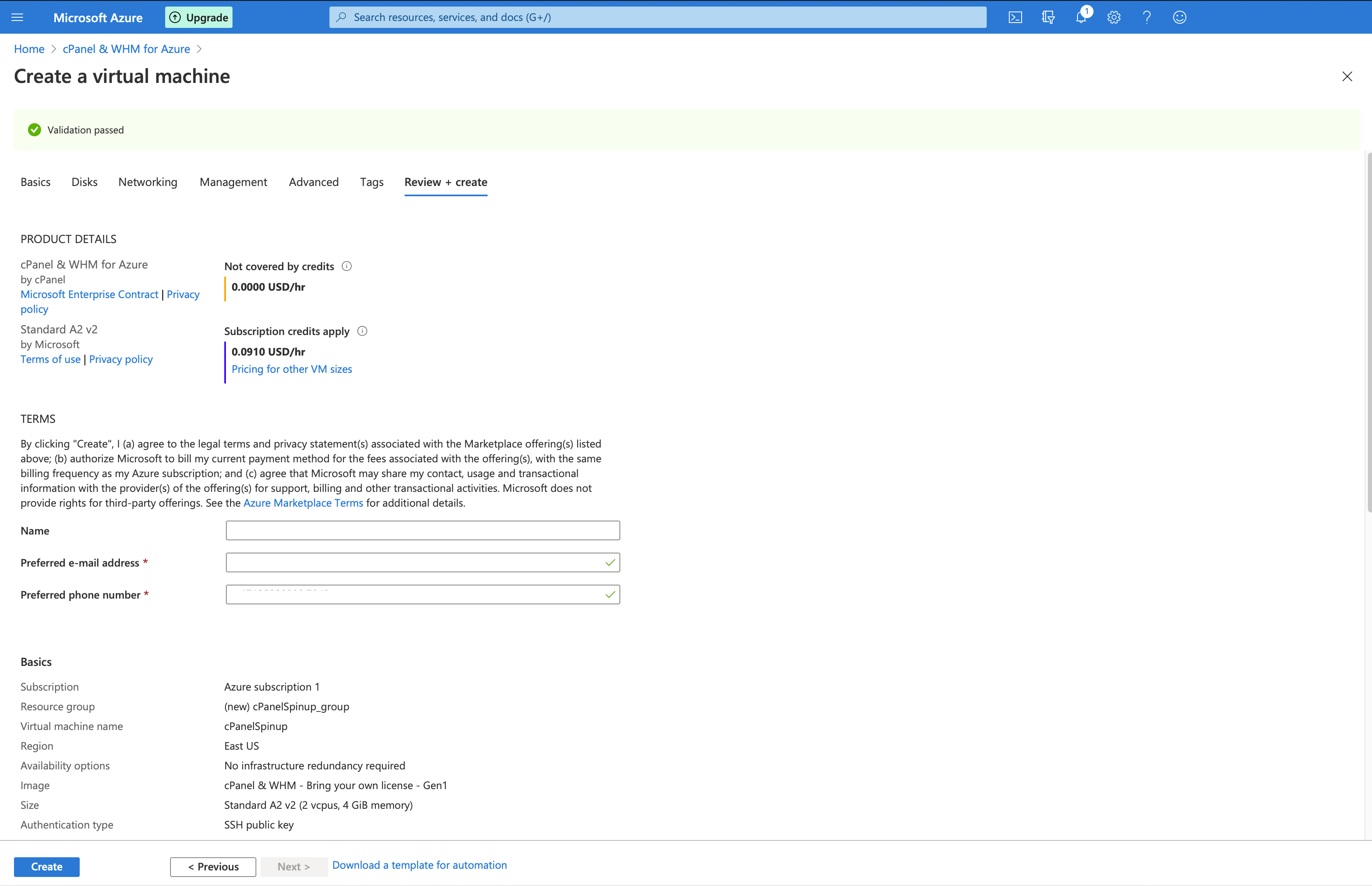
After reviewing your configuration options, select the Review & Create Button at the bottom of the page. You will then be prompted with a Pop-up to generate a new key pair. Select Download private key and create resource.
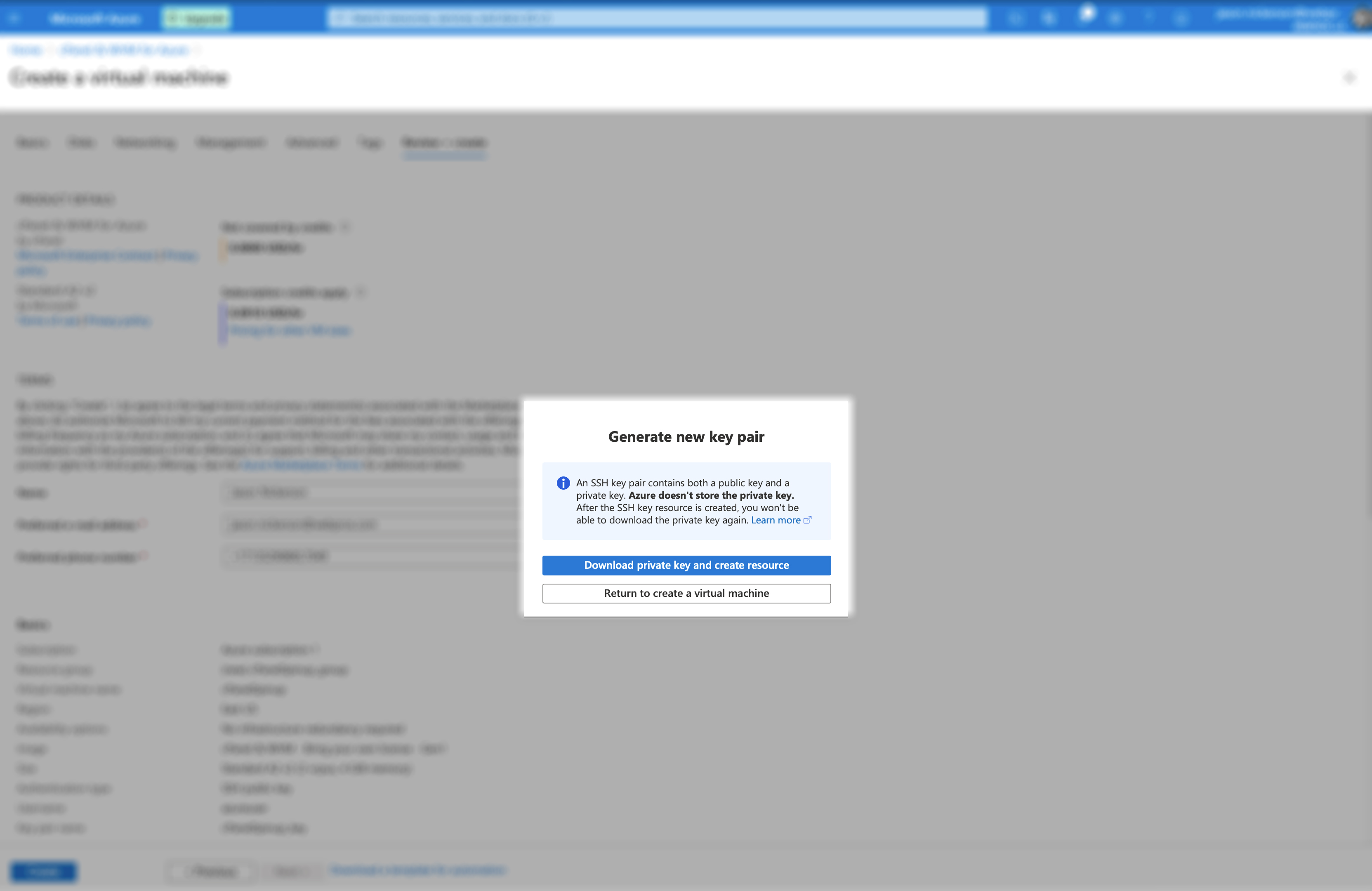
While the Virtual Machine installs, make sure to place the downloaded private key in a safe and secure place as you will not be able to download it again. Depending on how you have configured your Virtual Machine, it could take a few minutes to finish the deployment.
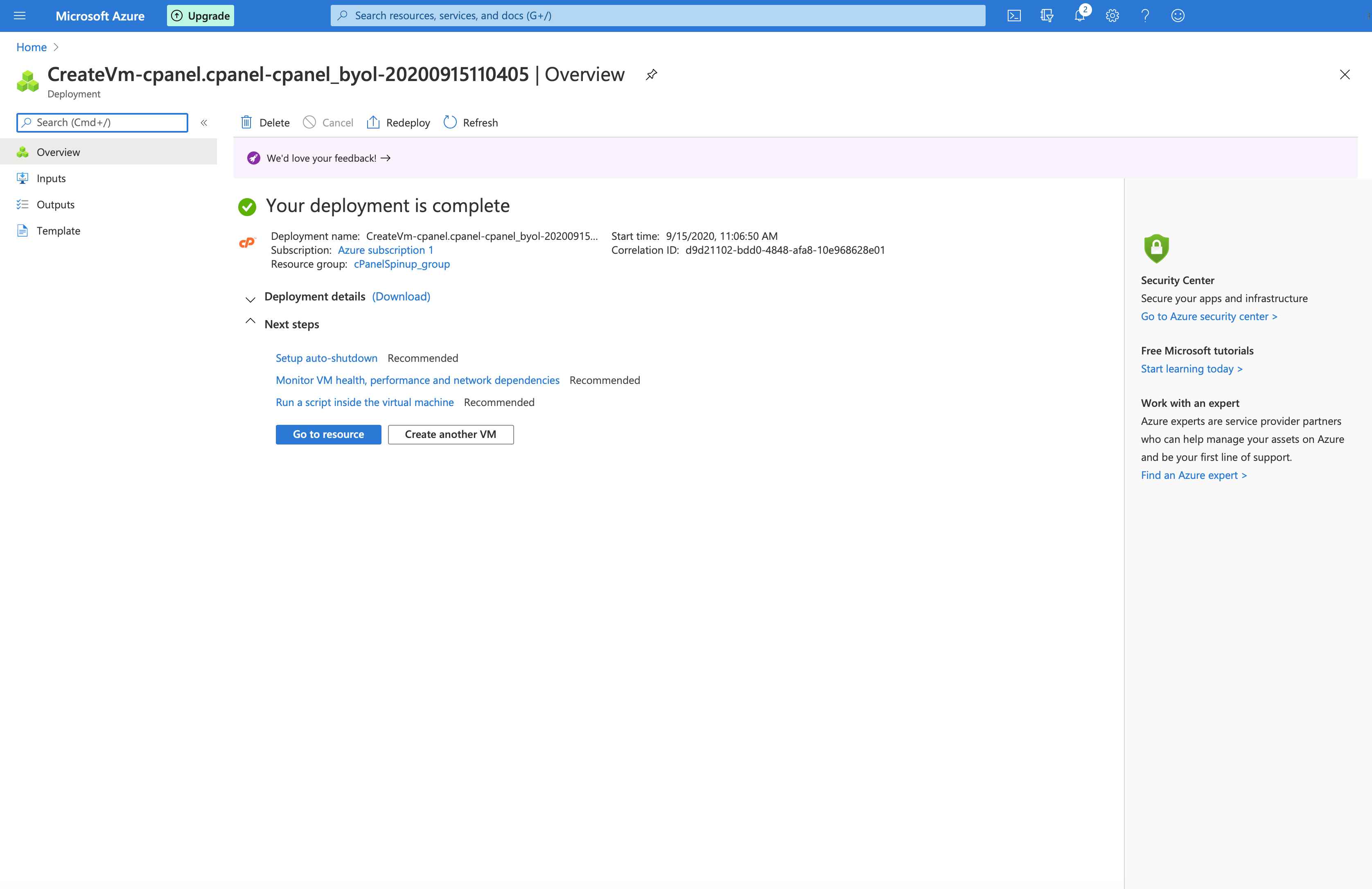
When the deployment is complete, Azure has several recommended next steps. Once you have reviewed the recommended options, click Go to resource, and you will be taken to your new Virtual Machine with cPanel & WHM installed!
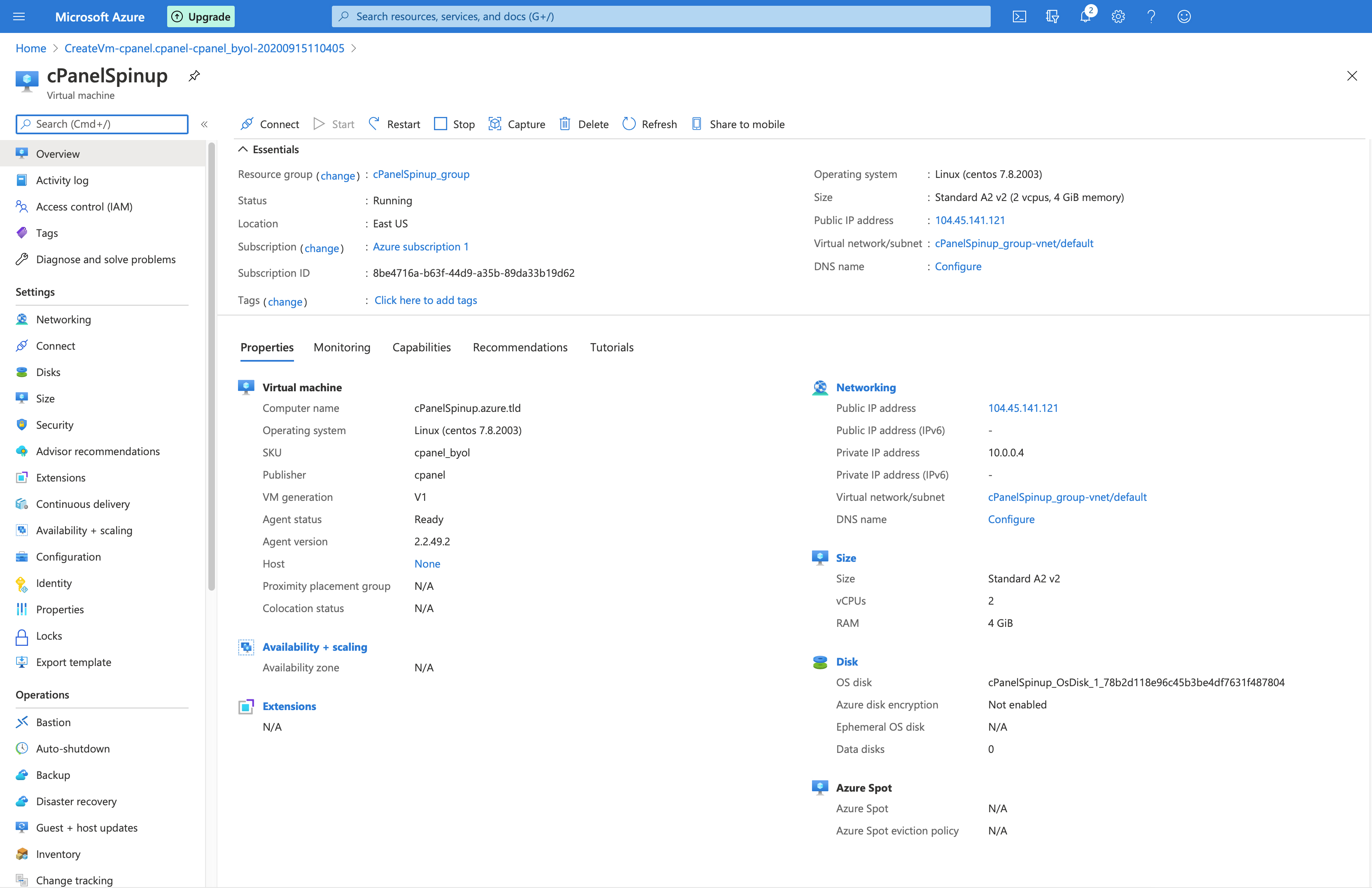
We hope you are as excited as we are about the new Microsoft Azure cPanel & WHM Application. cPanel will continue to work with Microsoft to bring your favorite software and integrations into the cloud!
If you have any questions or want to further discuss this install process, please reach out to us directly via our official Discord channel, our official subreddit, or the cPanel Forums.